Manual attendance registers and spreadsheet-based records can become difficult to manage as an organisation grows. Missing entries, inaccurate timings, proxy attendance, and time-consuming payroll preparation often lead businesses to consider automated attendance tracking.
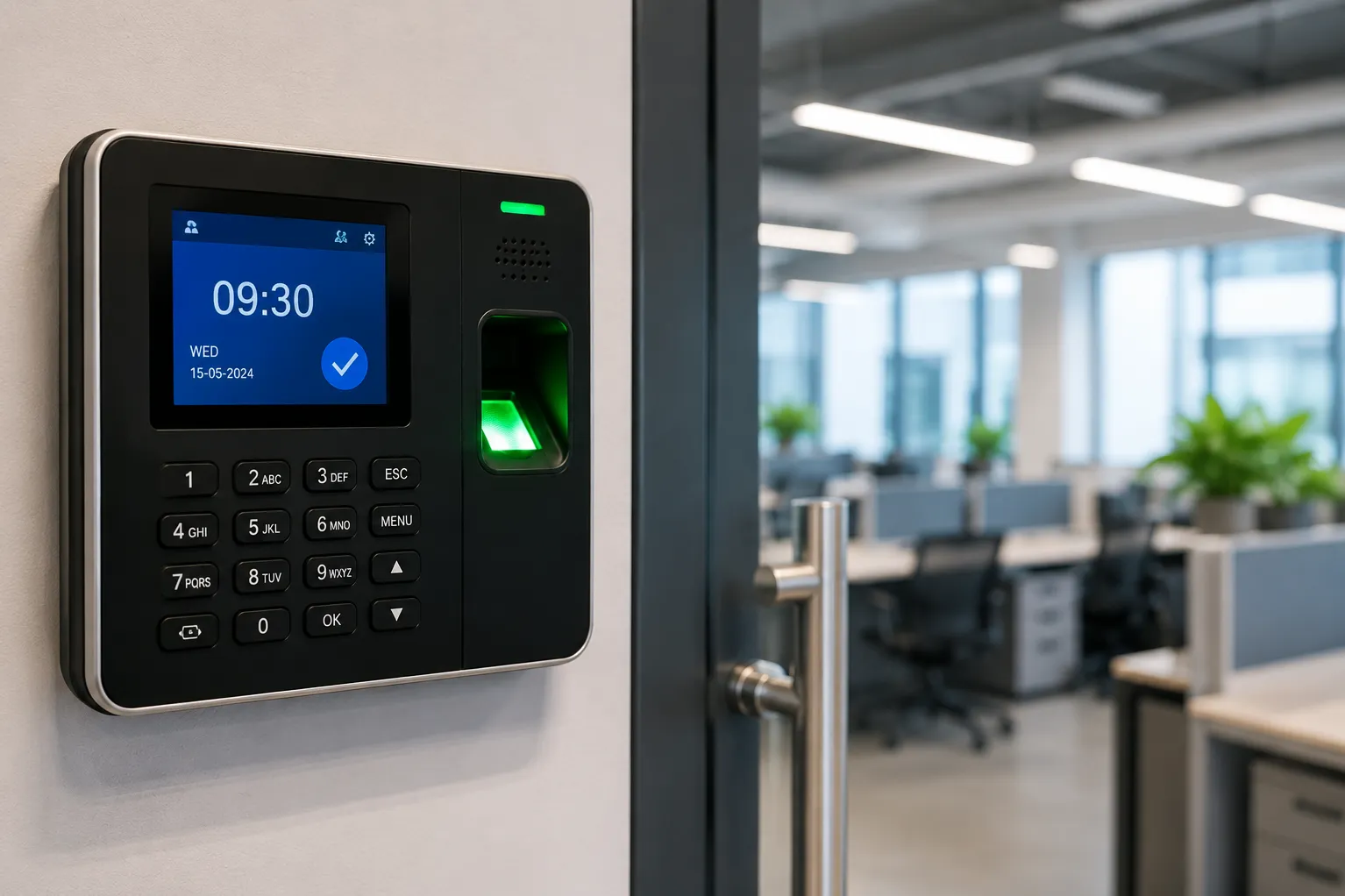
A Biometric Attendance System records employee attendance using a physical or contactless identifier, such as a fingerprint, facial image, card, or access credential. The right setup should match the workforce, work environment, shift structure, and payroll process.
Fingerprint, Face, Card, or Hybrid?
Each identification method has practical advantages and limitations.
Fingerprint devices are widely used and familiar to many employees. Their performance may be affected when users have worn, dusty, oily, wet, or damaged fingerprints. This can be relevant in factories, workshops, kitchens, laboratories, and construction-related workplaces.
Face-based attendance provides contactless identification and can be convenient for offices, clinics, schools, and customer-facing environments. Lighting, positioning, user volume, and device quality influence recognition performance.
Cards are quick and simple but can be exchanged between users unless combined with another verification method. Hybrid systems allow organisations to use more than one method, which can be useful when a single option does not suit every employee.
Calculate User and Transaction Capacity
A device should support more than the current employee count. Future recruitment, multiple shifts, visitors, and retained attendance records can increase capacity requirements.
Buyers should confirm:
- Maximum registered users
- Fingerprint or face template capacity
- Attendance transaction storage
- Number of daily punches
- Data transfer options
- Support for multiple devices
- Compatibility with attendance software
A device that meets only today’s requirement may need premature replacement when the organisation expands.
Review Shift and Payroll Requirements
Attendance is not simply a record of entry and exit. The software may need to handle:
- Multiple shifts
- Rotational schedules
- Grace periods
- Late arrivals
- Early departures
- Overtime
- Weekly offs
- Holidays
- Leave records
- Multiple branches
- Payroll exports
Before selecting the system, share sample attendance policies and payroll formats. This helps determine whether the software can manage actual rules without excessive manual correction.
Consider the Installation Environment
Device placement affects daily usage. The system should be installed where employees can reach it conveniently without creating queues or exposing it to unsuitable conditions.
Factories and warehouses may require protection from dust, heat, moisture, and accidental impact. Offices may prioritise appearance and easy network connectivity. Outdoor or semi-covered installations need equipment designed for the environment.
For workplaces with a large shift change, more than one device may be required to prevent delays.
Cloud-Based or Local Attendance Management?
Local software stores and manages attendance within the organisation’s network. It can suit businesses that prefer direct internal control but requires a designated computer, backup process, and software maintenance.
Cloud-based management may make it easier to view attendance across branches and access reports remotely. It depends on internet availability, subscription terms, data policies, and integration requirements.
Pune businesses operating across multiple offices or facilities in Maharashtra should consider whether attendance data needs to be consolidated centrally.
Protect Employee Data
Biometric information requires careful handling. Access to employee records and administrative settings should be restricted. Organisations should define who can enrol users, edit attendance, generate reports, and remove former employees.
Regular backups, strong administrator credentials, and documented user removal procedures are important parts of responsible system management.
LK COMPUTER & ELECTRONICS supports attendance device selection, installation, software configuration, user enrolment, and reporting setup for organisations in Pune.Before choosing a device, contact us with your workforce size, shift rules, operating environment, branch structure, and reporting needs to identify a system that reduces manual work without complicating payroll.
Keywords