
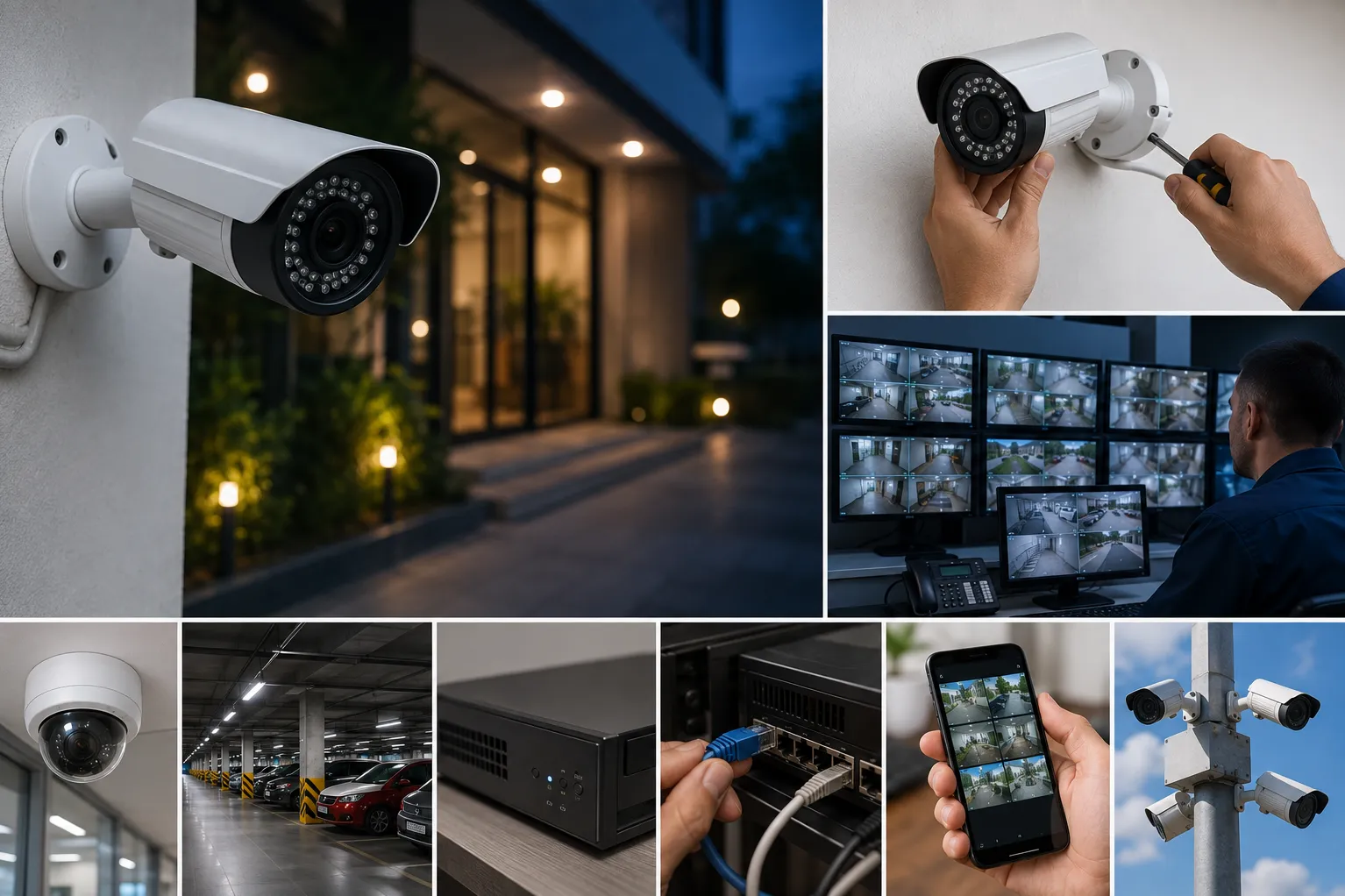
Installing more cameras does not necessarily create better surveillance. A system can still miss faces, vehicle details, entry activity, or important incidents when cameras are poorly positioned or the recording setup is incorrectly planned.
Effective CCTV Installation begins with identifying what the organisation needs to observe, detect, and record. Businesses, housing societies, schools, clinics, warehouses, and retail establishments in Pune should plan coverage according to actual security risks rather than selecting cameras only by resolution.
1. Choosing Camera Locations Without a Site Survey
Cameras should be positioned according to the activity that needs to be captured. Entrances may require clear facial identification, while parking areas need wider coverage and suitable night performance.
A site survey helps identify blind spots, lighting conditions, mounting height, cable routes, and areas requiring focused observation. Existing walls, trees, signboards, and moving doors should also be considered.
2. Placing Cameras Too High
Mounting a camera very high can protect it from tampering, but it may also capture only the top of a person’s head. This reduces the usefulness of footage when identification is required.
The correct height depends on the camera’s purpose, lens, viewing angle, and distance from the subject. Entry cameras should be positioned to capture useful facial detail without being easily obstructed.
3. Ignoring Lighting Conditions
Strong backlighting can make a person near a doorway appear dark. Headlights may affect vehicle footage, while poorly lit corners may produce noisy or unclear recordings.
Review camera views during the day and after dark. Additional lighting, adjusted placement, or cameras designed for challenging lighting conditions may be required.
4. Selecting Storage Without Calculating Retention
Recording capacity depends on the number of cameras, resolution, frame rate, compression, recording schedule, and required retention period.
Buyers should decide how many days of footage they need before selecting storage. Continuous recording requires more capacity than motion-based recording. Critical locations may also need different settings from low-activity areas.
5. Leaving the Recorder Unprotected
If the recorder is easily accessible, an intruder may damage or remove the system along with the footage. The recorder should be placed in a secure, ventilated location with restricted physical access.
Power backup is equally important. Without UPS support, recording may stop during an outage, which is often when security visibility is needed most.
6. Using Weak Passwords or Default Settings
Network-connected surveillance equipment should not continue using default credentials. Strong passwords, restricted remote access, firmware updates, and appropriate network settings help reduce avoidable security exposure.
Only authorised users should have access to live views, recordings, and configuration controls.
7. Skipping Maintenance After Installation
Dust, moisture, insects, loose connections, damaged cables, storage errors, and changed camera angles can reduce system performance over time.
Maintenance should include:
- Cleaning lenses and housings
- Checking camera views
- Confirming recording status
- Testing playback
- Reviewing date and time accuracy
- Checking storage health
- Testing power backup
- Updating authorised user access
A camera displaying live video does not always mean recordings are being stored correctly. Playback should be tested periodically.
LK COMPUTER & ELECTRONICS provides surveillance planning, equipment selection, installation, configuration, and maintenance for properties across Pune. Before expanding an existing system or installing a new one, arrange a coverage review to identify blind spots, recording needs, and infrastructure requirements based on the site’s actual risks.
Keywords